There are so many models that are easy to use as office laptops. At this time, there are many criteria that can be considered such as price, performance, various convenience, design, and weight. You don’t need to worry about a wide range of products that accept most of the criteria and have a high brand awareness.
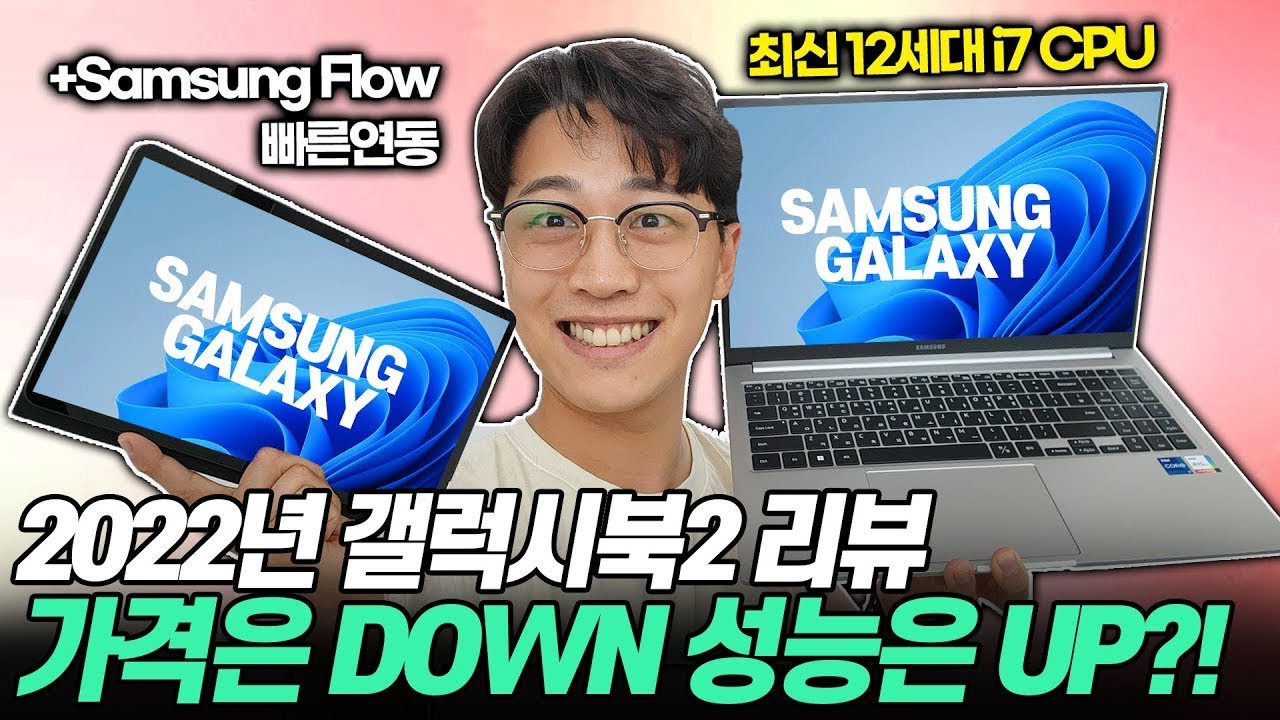
The most representative office laptop for such cases will be the “Samsung Galaxy Book 2” It is very popular for its state-of-the-art performance, lightweight and slim form factor, neat design and various conveniences.

Among them, I recommend the NT750XEW-A51A model. Intel 12th generation i5+16GB RAM, 256GB SSD and 15.6″ anti-glare display with stable hardware for both usability and Galaxy ecosystem convenience. And most importantly, this is a recommended model for laptops with higher cost performance than the OS installation model.
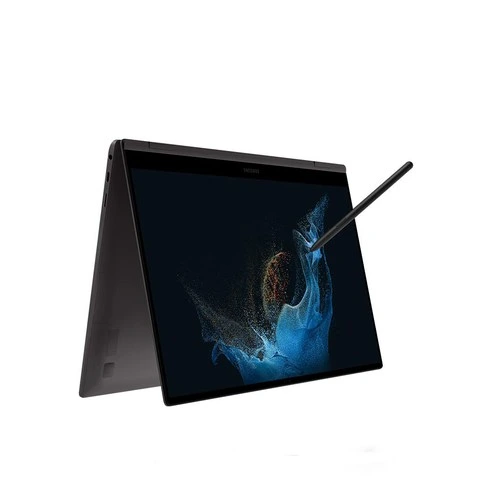
For those who frequently take business-related photos with their Galaxy smartphones and manage business-related files, or who want to create a comfortable office environment anytime, anywhere, without necessarily doing so, this laptop has a great cost-effectiveness. specification

Think of the latest chipsets and hardware as office laptops in the second half of 2022. At the same time, it eliminates all the unnecessary factors that drive price increases, and it also highlights the cost-effectiveness that is filled with just the things you need.

The model name is NT750XEW-A51A and is categorized as Graphite (A51AG)/Silver (A51AS). Windows must be installed on the Linux version and is compatible with both 10 and 11.
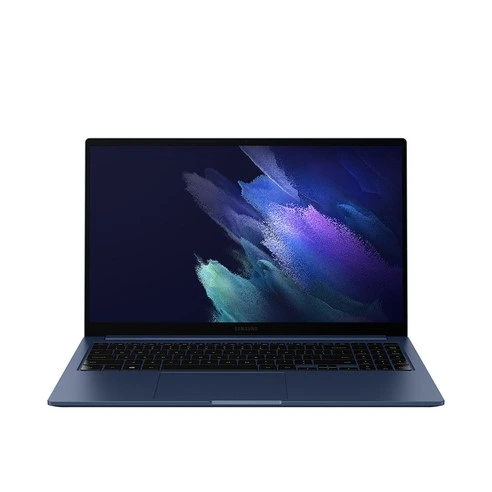
The processor is Intel 12th generation i5-1235U (1.3GHz-4.4GHz) with LPDDR4x onboard 16GB memory. It has two SSD slots and a basic 256GB NVMe. By the way, you can upgrade your SSD at the time of purchase.
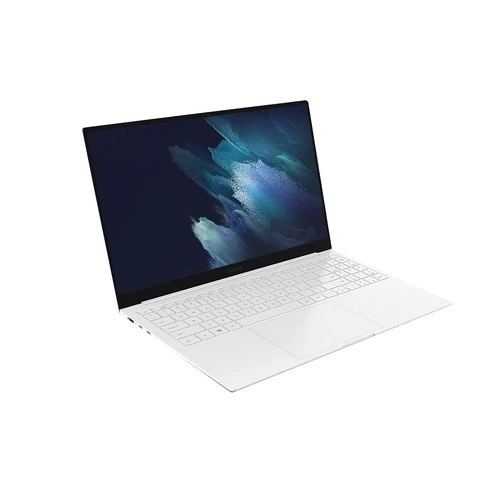
Featuring Intel integrated graphics Iris Xe, the 15.6″ Wide Viewing Angle Full-HD (1980×1080) display gives you a great sense of coolness. Especially, anti-glare treatment is applied, and the glare and light reflection are extremely low. It is comfortable and easy to use when working outside.

Actual measurement 1.53 kg

The specifications weigh 1.57 kg. It has high-performance specifications and is much lighter than a 15.6″ display. And it’s very slim. It’s a very thin form factor, so it feels lighter than the original weight. Thanks to this, we can quickly see the work we need from outside. Because the weight and volume are less burdensome, it provides an environment where you can easily use it anywhere. optimum office position

If you are an office worker who works on Excel, PowerPoint, and Word a lot, I can recommend it as the best office laptop. As with the specifications that are not lacking in basic office work, it is a product that gives you a great sense of practical convenience.
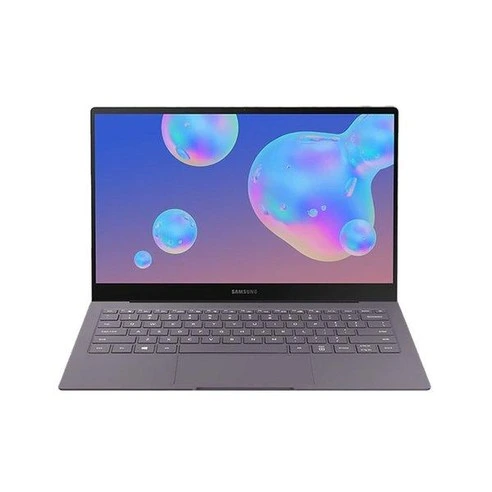
The most comfortable thing is its connectivity with smartphones. Specifically, it can be seen as the convenience of the Galaxy ecosystem, and in a broader sense, it is optimized for file management, which is quite easy.
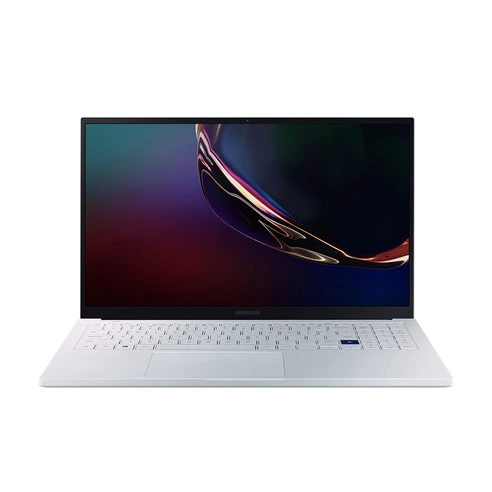
Although various clouds such as One Drive and Google Drive have become popular, they still store and process various files on laptop storage. If the author doesn’t necessarily need to synchronize files, he usually uses internal storage. It’s the fastest and easiest to share.

And most Excel and word files are not big enough, so over time they accumulate a lot of files. The larger the number, the more difficult it is to find the file itself. In such a case, you can release a quick share of Galaxy Book 2. Much easier, faster, and much more accurate than Windows’ basic explorer search capabilities.
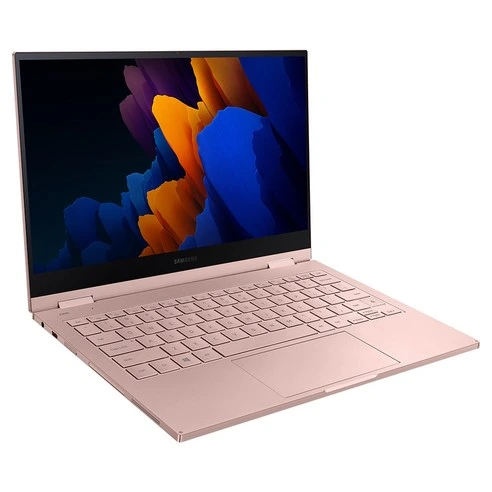
And if you use a Galaxy smartphone, it’s very easy to exchange files with your smartphone. When you have to calculate statistics in Excel or write a report with words, you have to spread out your office laptop. But if that’s not necessarily the case, you’ll have to simply check the file and confirm it, and then you’ll have to take out your smartphone.
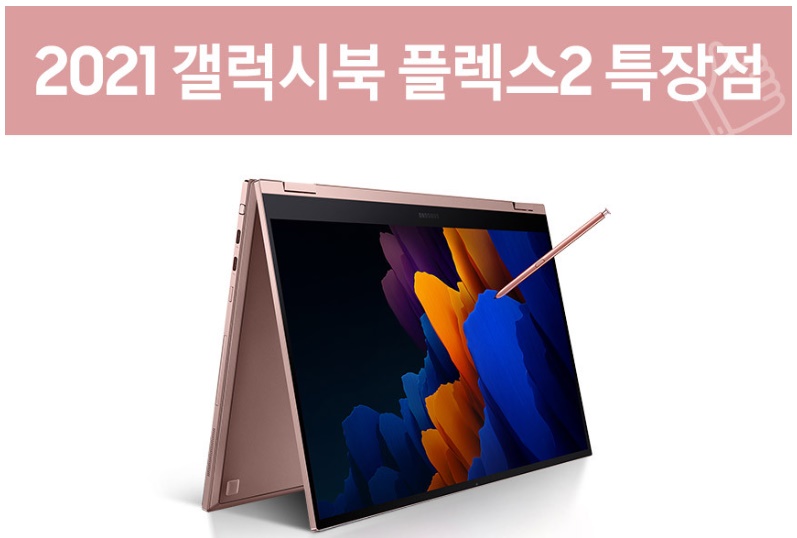
You can transfer files from your smartphone to your notebook immediately, and then copy them. I’m going to take advantage of the Galaxy’s Quick Share feature, but I can’t use it on a typical laptop. It is available only in the Galaxy Book and can be searched and installed in the MS store by “Quick Share”.
General Desktop PC Search ResultsAs mentioned above, there is no install button itself on a non-Galaxy Book window PC. It’s only available in the Galaxy Book.Also, make sure to use Windows’ “Connect to Your Mobile Phone.” You can run your smartphone’s call letters and all apps on your PC screen, and you can also view and download photos.I download and use PC launcher for my KakaoTalk general account, and I use another sub-Kakaotalk by displaying the app screen on the Galaxy Book through the (business) mobile phone and connection function. It’s easy to use separately for personal and business use, but the connection function to the mobile phone can be used on all Windows laptops, even if it’s not just a Galaxy Book. However, in my experience, Galaxy Book 2 was the most stable match for Galaxy smartphones.Despite its slim form factor, it supports a wide variety of expansion ports. It has one full-size HDMI port, two USB C ports, and two USB 3.2A ports. Now, it’s good to use a micro SD card for files that you exchange frequently, even in micro SD slots.Despite its slim form factor, it supports a wide variety of expansion ports. It has one full-size HDMI port, two USB C ports, and two USB 3.2A ports. Now, it’s good to use a micro SD card for files that you exchange frequently, even in micro SD slots.ロード中… player_likesound_mutesound_mutesound_volume2sound_volume3[x]プレーヤーサイズ:0x0現在の解像度:0PMaxAbr解像度:0PPプロトコル:hls現在の帯域幅:平均帯域幅:バッファの状態:フレームドロップレート:0/0「ビデオ統計バージョン4.29.4(HLS)ビルド日(2022/8/31)」ネイバー株式会社 동영상 인코딩 중입니다.5분 이상 소요될 수 있으며, 영상의 길이에 따라 소요 시간은 달라집니다. 라이트룸 보정 실사 재생 수28 0 topleft rightbottom마우스를 드래그 하세요360° Video도움말 MULTI TRACK멀티트랙의 트랙별 영상은 우측 관련영상에서 볼 수 있습니다.선거광고 안내 음소거00:00 | 01:02 화질 선택 옵션자동 자동 144p 270p 480p 720p HD 1080p HD 화질 전체화면 00:00 00:12 00:24 00:37 00:49 광고정보 더보기초 후 SKIP초 후 재생SKIP광고 후 계속됩니다.SNS●●●●●●バンドTwitterFacebookブログカフェURL 주소복사HTML 소스544 x 306740 x 416936 x 5261280 x 720복사Flash 미지원으로 Object 코드 퍼가기 기능은 더 이상 지원되지않습니다.도움말 플레이어 URL 복사 레이어 닫기라이트룸 보정 실사 이렇듯 갤럭시북2 NT750XEW-A51A 모델은 사무용 노트북에 최적화되어 있습니다. 어디서든 가볍게 쓰기 좋으면서, 늘 쾌적하게 구동되는 점이 아주 나이스 한 노트북 추천의 키포인트입니다. – 바로 가기 -위 링크에서 가장 저렴한 가격으로 구입할 수 있는데, 잘 따져보면 최대 할인 가 로 만 90 원 초 반 대 까 지 가 능 한 걸 확 인 할 수 있 습 니 다 . 삼 성 노 트 북 의 대 표 모 델 인 갤 럭 시 북 2 라 는 점 을 감 안 하 면 궁 극 의 가 성 비 까 지 갖 춘 셈 입 니 다 .ロード中… player_likesound_mutesound_mutesound_volume2sound_volume3[x]プレーヤーサイズ:0x0現在の解像度:0PMaxAbr解像度:0PPプロトコル:hls現在の帯域幅:平均帯域幅:バッファの状態:フレームドロップレート:0/0「ビデオ統計バージョン4.29.4(HLS)ビルド日(2022/8/31)」ネイバー株式会社 동영상 인코딩 중입니다.5분 이상 소요될 수 있으며, 영상의 길이에 따라 소요 시간은 달라집니다. 라이트룸 보정 실사 재생 수28 0 topleft rightbottom마우스를 드래그 하세요360° Video도움말 MULTI TRACK멀티트랙의 트랙별 영상은 우측 관련영상에서 볼 수 있습니다.선거광고 안내 음소거00:00 | 01:02 화질 선택 옵션자동 자동 144p 270p 480p 720p HD 1080p HD 화질 전체화면 00:00 00:12 00:24 00:37 00:49 광고정보 더보기초 후 SKIP초 후 재생SKIP광고 후 계속됩니다.SNS●●●●●●バンドTwitterFacebookブログカフェURL 주소복사HTML 소스544 x 306740 x 416936 x 5261280 x 720복사Flash 미지원으로 Object 코드 퍼가기 기능은 더 이상 지원되지않습니다.도움말 플레이어 URL 복사 레이어 닫기라이트룸 보정 실사 이렇듯 갤럭시북2 NT750XEW-A51A 모델은 사무용 노트북에 최적화되어 있습니다. 어디서든 가볍게 쓰기 좋으면서, 늘 쾌적하게 구동되는 점이 아주 나이스 한 노트북 추천의 키포인트입니다. – 바로 가기 -위 링크에서 가장 저렴한 가격으로 구입할 수 있는데, 잘 따져보면 최대 할인가로 90만 원 초반대까지 가능한 걸 확인할 수 있습니다. 삼성 노트북의 대표 모델인 갤럭시북2라는 점을 감안하면 궁극의 가성비까지 갖춘 셈입니다.ロード中… player_likesound_mutesound_mutesound_volume2sound_volume3[x]プレーヤーサイズ:0x0現在の解像度:0PMaxAbr解像度:0PPプロトコル:hls現在の帯域幅:平均帯域幅:バッファの状態:フレームドロップレート:0/0「ビデオ統計バージョン4.29.4(HLS)ビルド日(2022/8/31)」ネイバー株式会社 동영상 인코딩 중입니다.5분 이상 소요될 수 있으며, 영상의 길이에 따라 소요 시간은 달라집니다. 라이트룸 보정 실사 재생 수28 0 topleft rightbottom마우스를 드래그 하세요360° Video도움말 MULTI TRACK멀티트랙의 트랙별 영상은 우측 관련영상에서 볼 수 있습니다.선거광고 안내 음소거00:00 | 01:02 화질 선택 옵션자동 자동 144p 270p 480p 720p HD 1080p HD 화질 전체화면 00:00 00:12 00:24 00:37 00:49 광고정보 더보기초 후 SKIP초 후 재생SKIP광고 후 계속됩니다.SNS●●●●●●バンドTwitterFacebookブログカフェURL 주소복사HTML 소스544 x 306740 x 416936 x 5261280 x 720복사Flash 미지원으로 Object 코드 퍼가기 기능은 더 이상 지원되지않습니다.도움말 플레이어 URL 복사 레이어 닫기라이트룸 보정 실사 이렇듯 갤럭시북2 NT750XEW-A51A 모델은 사무용 노트북에 최적화되어 있습니다. 어디서든 가볍게 쓰기 좋으면서, 늘 쾌적하게 구동되는 점이 아주 나이스 한 노트북 추천의 키포인트입니다. – 바로 가기 -위 링크에서 가장 저렴한 가격으로 구입할 수 있는데, 잘 따져보면 최대 할인가로 90만 원 초반대까지 가능한 걸 확인할 수 있습니다. 삼성 노트북의 대표 모델인 갤럭시북2라는 점을 감안하면 궁극의 가성비까지 갖춘 셈입니다.